Portable Monitor Review
You are reading a review from ScreenExtendersHub’s Portable Monitors collection. Every review follows our 5-axis scoring methodology with constraints disclosed before any purchase link. Interactive tools below the review help you verify compatibility and make informed decisions.
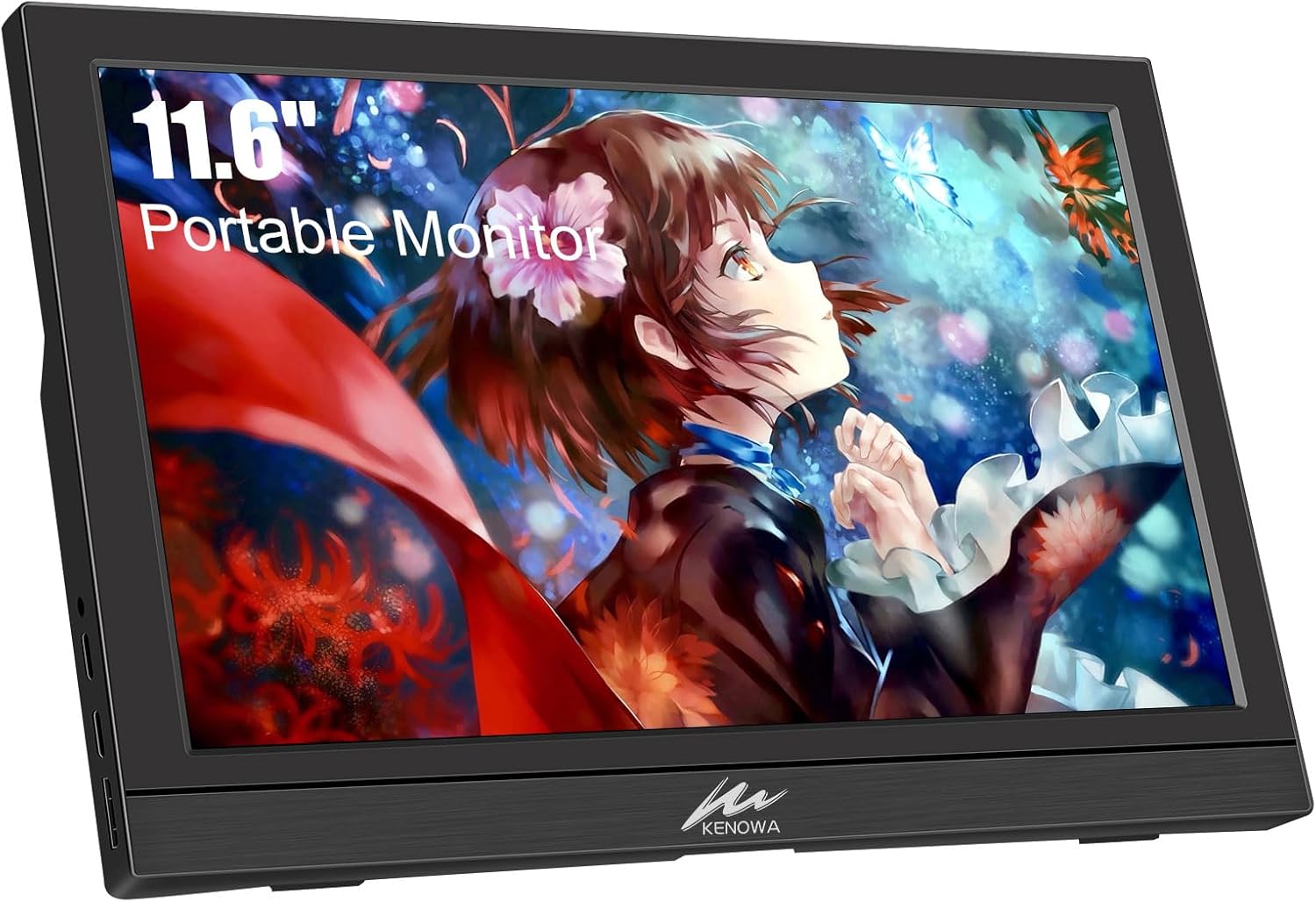
Can you imagine taking your laptop screen everywhere you go, but lighter and far more compact? That’s what I thought about when I first came across the Kenowa Portable Monitor. At just 11.6 inches, it’s like having a sidekick screen that’s eager to make itself useful. Let’s break down how this tiny tech fits into both daily grind and lazy leisure.

Why Consider a Portable Monitor?
Lugging around a full-sized monitor isn’t practical. That’s where this compact screen becomes a game-changer. From spreadsheeters to streamers, everyone benefits from a bit more digital elbow room, right? Especially if you’re often on the move but never want to be caught in the digital dark.

Kenowa Portable Monitor 13.3 Inch – HD 1366x768P LED Display External Monitor with USB C HDMI, Built-in Speakers Second Screen for Laptop Phone Mac PC PS4 Xbox
Essential Specs and Features
Screen Quality: An HD Visual Delight
At the heart of any monitor is its display, and the Kenowa offers an HD resolution of 1366x768p. Sure, it’s not 4K, but who needs that kind of detail unless you’re counting pixels for a living? The 60Hz refresh rate means it’s smooth and satisfying to stare at, without being overly taxing on your device’s battery. Add a 16:9 aspect ratio, and I can binge my favorite shows without those unnecessary black bars.
Impressive IPS Display
The IPS screen is a nice touch. With a 160-degree viewing angle and a 72% color gamut, it’s almost like the monitor is winking at you from across a café table. The colors pop while maintaining a brightness of 300 nits, which, in simpler terms, means the picture looks as bright as my future—or at least as bright as my morning caffeine fix is strong.
Connectivity: Plug and Play Simplicity
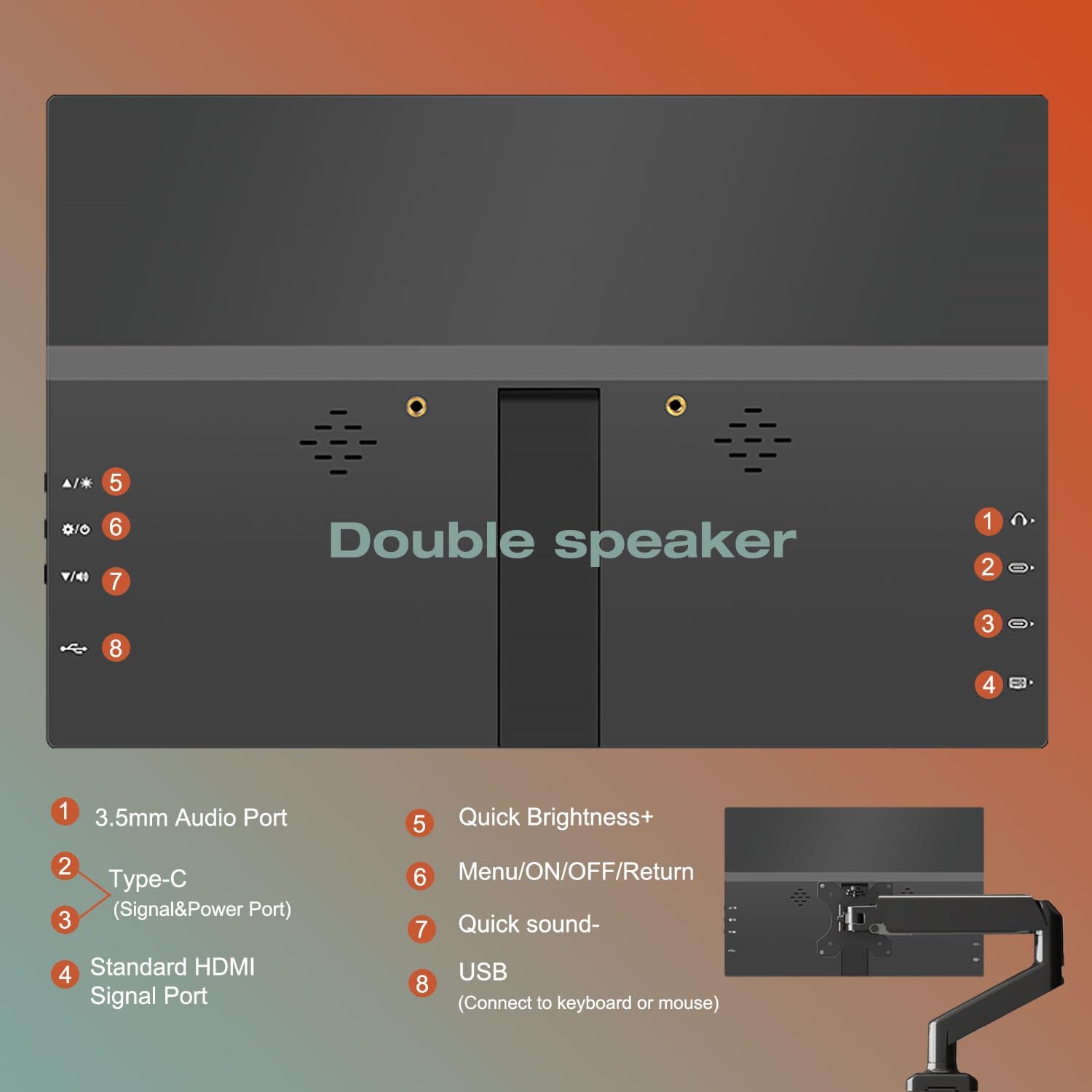
When I hear “portable”, I think “easy”. This portable monitor doesn’t disappoint. With USB-C and HDMI connectivity, it’s like slipping into a pair of well-worn sneakers. Plug in just one USB-C cord and you’re off to the races, without the need for any driver downloads that feel as tedious as tax forms.
Multiple Ports for Flexibility
Offering two USB-C ports and one HDMI port, this ensures it’s not just playing favorites with certain devices. Whether you’re a MacBook aficionado or loyal to your Xbox, swapping connections is about as difficult as choosing a Netflix show from your watchlist. And with its compatibility spanning devices like laptops, smartphones, and gaming consoles, it’s never been easier to jump from productivity to playtime.
Display Modes: More Than Just a Second Screen
This isn’t just a monitor—it’s a productivity powerhouse. With display modes like duplicate, extend, and second screen functionality, it feels like having a clone that doesn’t wet its paws on your freshly mopped kitchen floor. Extend mode is particularly delightful; extra space for all those browser tabs that you swear you’re going to close one day.

Audio and Comfort:
Built-in Speakers: A Symphonic Experience
Let’s not pretend the audio is like attending a live concert in Vienna. Still, dual built-in speakers add a sweet bonus for those times when earbuds are lost in the laundry. Whether you’re getting through a podcast or watching TikToks with snack-in-hand, the sound is more than serviceable.
Adjustable Stand: Position Perfect
A monitor that tilts from 0 to 90 degrees and supports VESA mounting is almost as adjustable as my dietary habits during the festive season. While the VESA bracket doesn’t come in the box, having that option is great for folks who prefer things mounted. The stand itself is a sturdy friend, much like the kind who doesn’t flinch during horror movies.
Practical Scenarios: When and Where You’ll Use This
Work and Productivity
Remote workspaces are the new corner offices. With the Kenowa, I’m able to transform any nook into a multi-screen workstation. Emails on one screen, presentations on the other, and suddenly I’m the master juggler I once dreamed of becoming in the third grade.
Friends and Gaming Nights
For casual gaming, this portable monitor acts like the friendly neighbor who willingly waters your plants when you’re away. Hook it up to your PS5 or Xbox, and it expands your gaming world without taking over your living room real estate. Sure, it doesn’t compete with a giant 65-inch behemoth, but it’s not supposed to.
Travel and Easy Setup
For globetrotters, this monitor is lighter than my regrets after trying that new spicy pasta dish. Slip it into a backpack, and it feels no heavier than a hardcover novel. Hotel room? No problem. Just prop up the Kenowa and double your workspace while everyone else is fiddling with fluorescent lighting.
Pros and Cons: What’s to Love and Leave Behind
| Aspect | Pros | Cons |
|---|---|---|
| Screen Quality | Vivid, 160-degree viewing angle, clear details | Only 1366x768p, not a high-end resolution |
| Connectivity | Plug and play, multiple device support | No 4K connectivity |
| Portability | Lightweight and compact | Might be too small for some needs |
| Features | Flexible modes, built-in speakers, adjustable | VESA bracket not included |
Verdict: Should You Grab One?
The Kenowa Portable Monitor might not be a large slice of cake, but it’s a rather sweet treat that’s easy on the wallet and kinder on the shoulders. It’s the perfect third wheel to give you that much-needed screen space without hogging attention or costing a fortune. Practical, portable, and easy to use, having this is like knowing the punchline to the awkward silence at the office party—comfortably satisfying.
Disclosure: As an Amazon Associate, I earn from qualifying purchases.
Interactive Decision Tools
These tools work for any portable monitor. Use them to verify compatibility, understand brightness trade-offs, and make an informed purchase decision.