Cocopar Portable Laptop Monitor Review
July 25, 2025
Discover the cocopar Portable Laptop Monitor: a delightful gadget offering vibrant 1080P visuals, seamless setup, and ultra-portability for work or play on the go.
The Cocopar 15.6-inch Portable Laptop Monitor is a 1080P FHD IPS matte display with a 178-degree viewing angle, 1200:1 contrast ratio, 60Hz refresh rate, Low Blue Light eye care, HDR, and two built-in speakers. It weighs 1.64 lbs and measures 0.3 inches thin, connects via dual USB-C ports and a mini HDMI port, and supports Thunderbolt 3/4 and full-featured USB-C for single-cable setup. A PU leather magnetic cover case is included for protection and as a stand. It works with laptops, MacBooks, Surface, PCs, PS4, PS5, and Xbox with plug-and-play operation and no driver installation. For a standard 15.6-inch portable monitor, the Cocopar checks every essential box at a competitive weight and thickness.
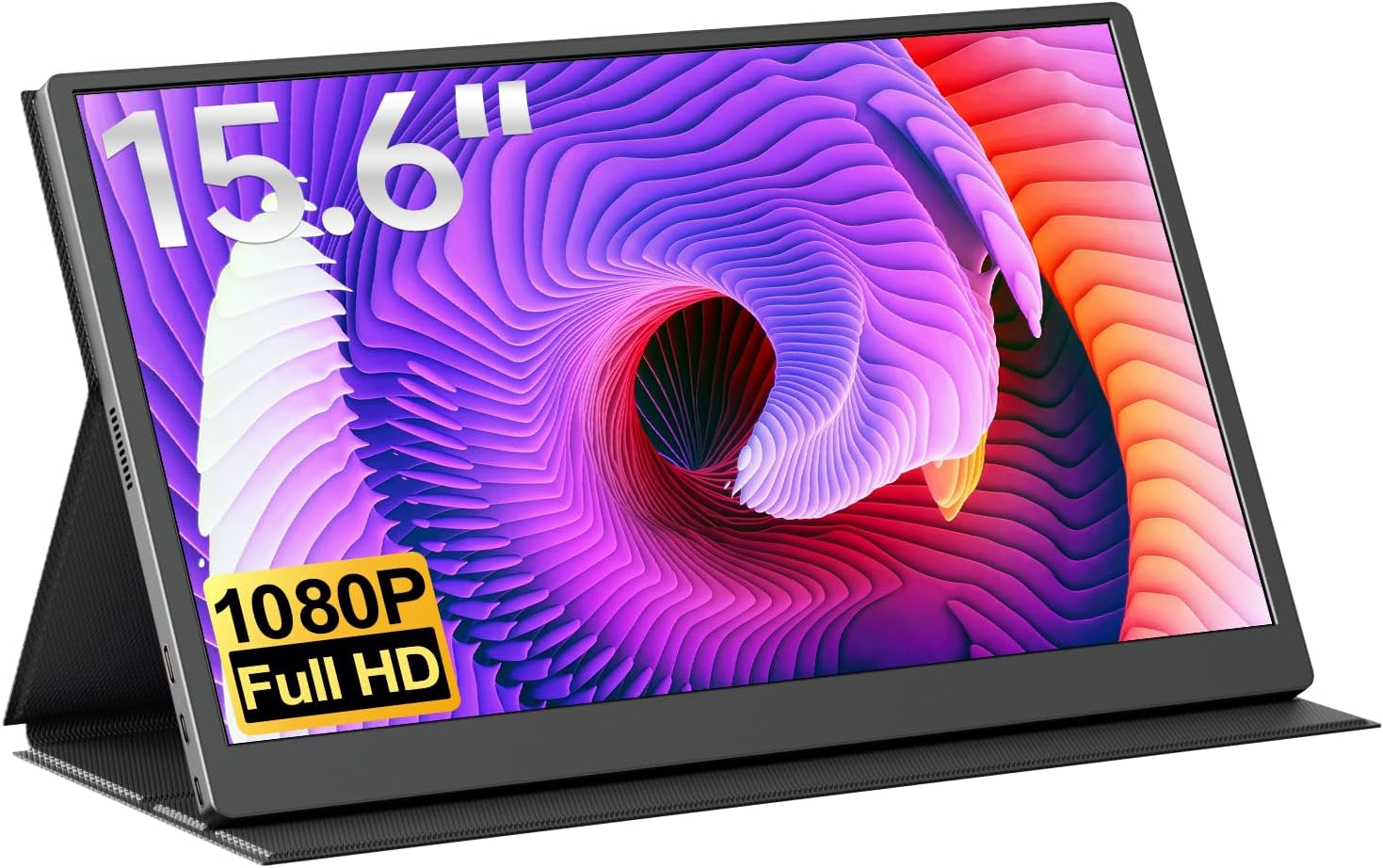

Display: 15.6-Inch 1080P IPS Matte Panel
The 15.6-inch IPS panel runs at 1920×1080 FHD resolution with a 60Hz refresh rate, 1200:1 contrast ratio, and 178-degree viewing angle. The matte screen finish reduces reflections from overhead lighting and windows, which is a practical advantage over glossy screens when working in environments with variable lighting like offices, coffee shops, and co-working spaces.
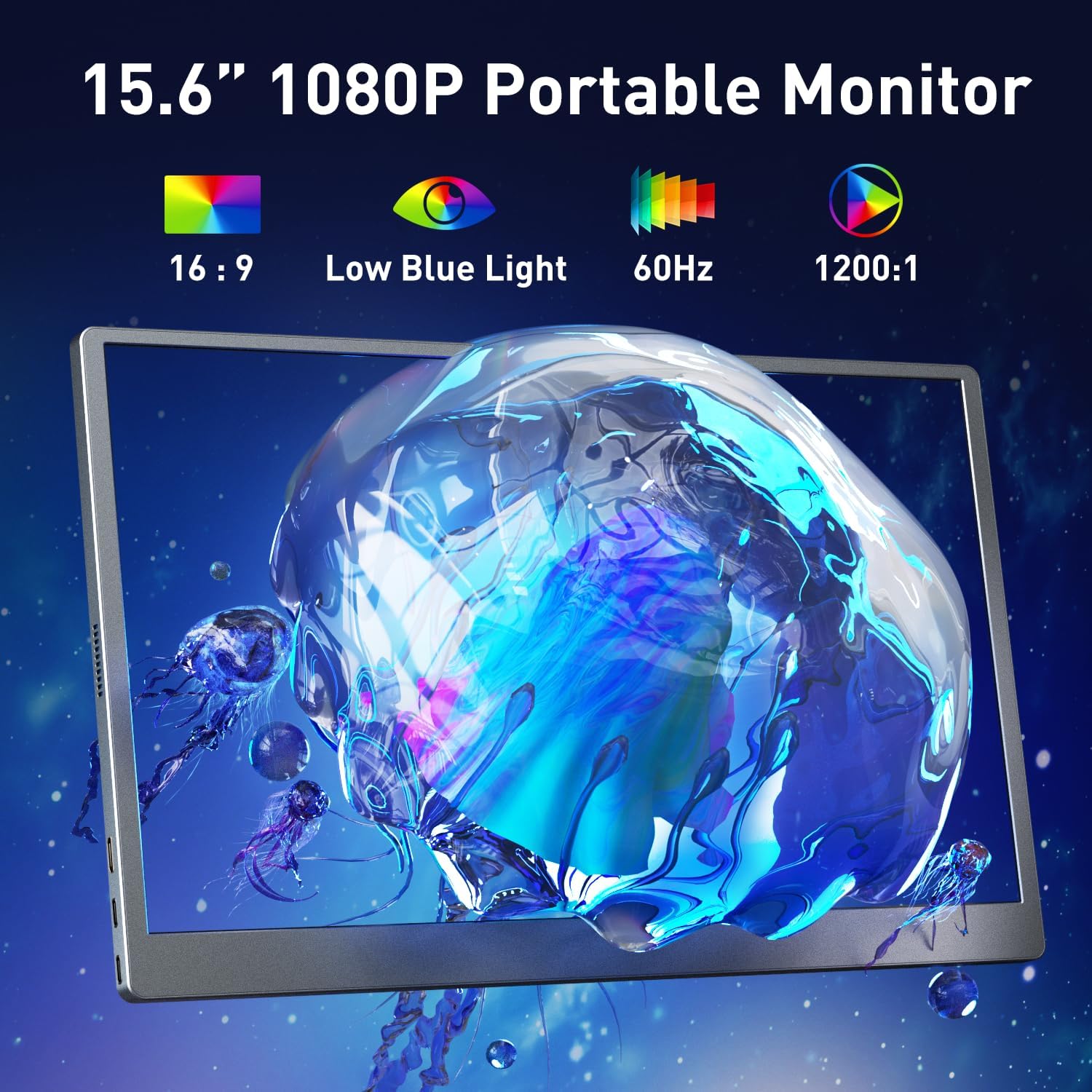
The 1200:1 contrast ratio is above the 1000:1 that many portable monitors in this category offer, providing slightly deeper blacks and more defined separation between light and dark areas on screen. For documents, spreadsheets, web browsing, and video playback, the display quality handles everyday tasks with clean, readable visuals.
Low Blue Light technology reduces the blue light emission that contributes to eye fatigue during long sessions. Combined with flicker-free operation, the display is designed for users who spend extended hours in front of screens without breaks. HDR support is also available through the menu settings, adding improved contrast to compatible content.
Portability: 1.64 lbs, 0.3 Inches Thin
At 1.64 lbs and 0.3 inches thin, the Cocopar is light and slim enough to slip into a laptop bag alongside a notebook computer. The weight is low enough for daily carry without adding noticeable strain to a backpack or messenger bag, and the thin profile means it doesn’t compete for space with your laptop in a sleeve.
The included Smart Magnetic Cover Case is made from PU leather and serves dual duty: protecting the screen surface during transport and folding into a stand for desk use. The magnetic closure keeps the case securely attached during travel. Having the case included rather than sold separately means the monitor is travel-ready out of the box without additional purchases.
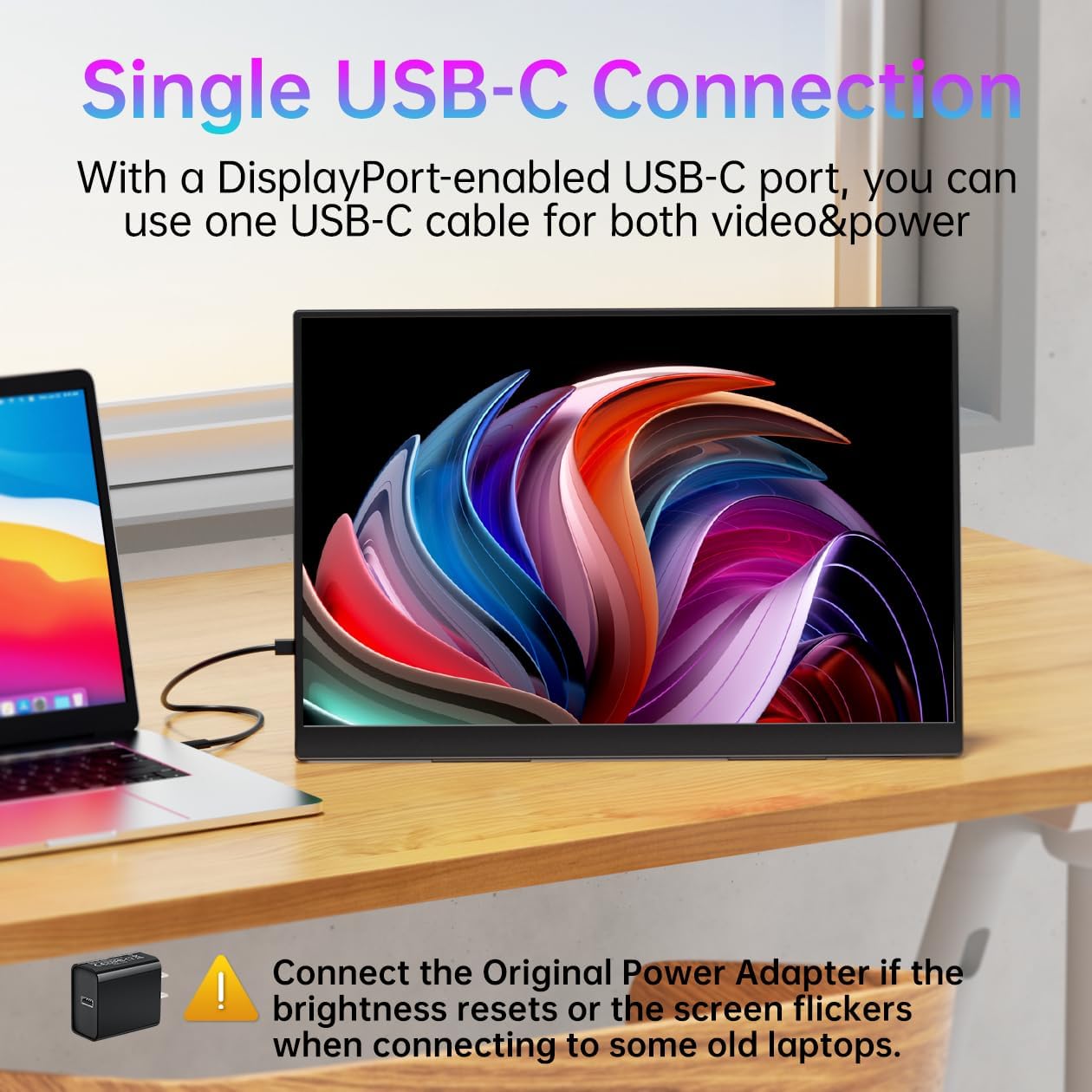
Connectivity: Dual USB-C and Mini HDMI
The monitor provides two USB-C ports and one mini HDMI port. For devices with Thunderbolt 3/4 or a full-featured USB-C port, a single USB-C to USB-C cable handles both display and power. This single-cable setup is the simplest connection method, keeping your workspace clean with no separate power adapter needed.
The mini HDMI port extends compatibility to devices that lack USB-C video output, including gaming consoles (PS4, PS5, Xbox), older laptops, and desktop PCs. When using HDMI, a separate power source is typically required since HDMI doesn’t carry power to the monitor.
No apps or drivers are needed on any platform. Connect the cable and the monitor activates immediately. This plug-and-play operation works across all compatible devices without configuration.
Display Modes: Mirror and Extend
The monitor supports mirroring and extending screen modes. Extend mode gives you a second independent desktop, allowing different applications on each screen. Mirror mode duplicates your laptop display on the portable monitor, useful for presentations or shared viewing. Both modes are configured through your laptop’s display settings rather than on the monitor itself.
Built-in Speakers and Menu Controls
Two built-in speakers provide audio output directly from the monitor. For video calls, system sounds, YouTube, and casual media playback, the speakers work without needing headphones or external speakers. For better audio quality, headphones can be used through the connected device.
The physical control menu on the monitor is straightforward: push in for the main menu, scroll up for brightness, scroll down for volume. The main menu provides access to color temperature settings, HDR toggle, and reset options. This gives you independent control over the display without accessing software settings on your laptop.
Compatibility
The Cocopar works with a broad range of devices. The manufacturer lists MacBook, Surface Pro, Surface Laptop, HP, Lenovo, ASUS, Dell laptops, Mac Mini, PCs, PS4, PS5, and Xbox as compatible. The dual connection types (USB-C and mini HDMI) ensure that most devices with at least one of these ports can connect.
| Feature |
Details |
| Screen Size |
15.6 inches |
| Resolution |
1920×1080 FHD |
| Panel Type |
IPS matte |
| Refresh Rate |
60Hz |
| Contrast Ratio |
1200:1 |
| Viewing Angle |
178 degrees |
| Eye Care |
Low Blue Light, flicker-free |
| HDR |
Supported (via menu) |
| Speakers |
2x built-in |
| Ports |
2x USB-C, 1x mini HDMI |
| Weight |
1.64 lbs |
| Thickness |
0.3 inches |
| Case |
PU leather magnetic cover (included) |
| Display Modes |
Mirror, Extend |
| Compatible Devices |
Laptops, MacBook, Surface, PC, PS4/PS5, Xbox |
What’s in the Box
The package includes the 15.6-inch portable monitor, a Smart Magnetic Cover Case (PU leather), and connection cables. The cover case doubles as protection and stand, so no separate stand purchase is needed.
Pros and Cons
What Stands Out
- 1.64 lbs and 0.3 inches thin, genuinely lightweight and portable
- Single USB-C cable handles both power and display on Thunderbolt 3/4 devices
- IPS matte screen with 178-degree viewing angle reduces glare and reflections
- 1200:1 contrast ratio is above average for this portable monitor category
- Two built-in speakers for audio without external accessories
- PU leather magnetic cover case included (doubles as stand)
- Low Blue Light and flicker-free for extended use comfort
- HDR support through menu settings
- Physical menu controls for brightness, volume, and color temperature
- Plug-and-play with no drivers across all platforms
- Compatible with laptops, MacBooks, Surface, PS4/PS5, Xbox
What Could Be Better
- 60Hz refresh rate is standard but not suited for fast-paced gaming
- Mini HDMI rather than full-size HDMI requires the included cable
- USB-C single-cable setup requires Thunderbolt 3/4 or full-featured USB-C port
- No VESA mount option mentioned for desk arm or wall mounting
- No brightness (nits) specified in the Amazon listing
- No color gamut percentage listed
- No warranty length specified in the Amazon listing
Who Is This Monitor For?
Remote workers and business travelers who need a lightweight second screen that’s ready to use anywhere. At 1.64 lbs with an included case/stand, the Cocopar adds minimal weight to a travel bag while providing a full 15.6-inch workspace extension at any location.
Students who split time between lectures, library, and home and need a portable dual-screen setup for research, note-taking, and online classes. The weight and size are practical for daily carry between campus locations.
Console gamers who want a portable display for PS4, PS5, or Xbox via the mini HDMI connection. The built-in speakers provide game audio without external accessories, and the matte screen handles reflections better than glossy alternatives.
Home office users who want a second monitor that doesn’t permanently occupy desk space. The Cocopar can be set up on the magnetic case stand when needed and stored in a drawer or shelf when not in use.
This monitor is not the right choice if you need a high refresh rate for competitive gaming, if you need VESA mounting for a fixed desk setup, or if your USB-C port doesn’t support video output and you don’t want to use HDMI.
Final Verdict
The Cocopar 15.6-inch Portable Monitor delivers the core features that matter in a travel display: clear 1080P IPS matte visuals, single-cable USB-C connectivity, built-in speakers, Low Blue Light eye care, and a protective case that doubles as a stand. At 1.64 lbs and 0.3 inches thin, the portability claim is backed by actual numbers that make daily carry realistic.
The 1200:1 contrast ratio, matte screen, and HDR support through the menu put the visual quality slightly above baseline for this category. The straightforward physical control menu (push for menu, scroll for brightness/volume) adds practical usability that software-only controls don’t match. For buyers who need a reliable, lightweight, well-equipped portable monitor without premium pricing, the Cocopar covers the fundamentals without unnecessary extras.
Disclosure: As an Amazon Associate, I earn from qualifying purchases.
