
FOPO 15.6” Triple
Screen Extender S10
A triple-display workstation clamped to your lid. 360° left rotation · FHD 1080P IPS · USB-C & HDMI · Fits 12–18.5” laptops — if your laptop can handle it.
Affiliate link · Full disclosure

If you already know this is your product
Check Current Price on Amazon →Not sure yet? Every section below is a checkpoint. Start the dossier ↓
As an Amazon Associate, ScreenExtendersHub earns from qualifying purchases. Disclosure.
The FOPO S10 delivers what it promises: two additional 15.6” FHD IPS displays clamped to your laptop lid, creating a genuine triple-screen workstation. Setup is plug-and-play. The 360° left-screen rotation enables face-to-face presentations without repositioning. Build quality is adequate for the price point. At approximately $399, this is the most feature-complete triple extender in FOPO’s lineup.
The risks are non-trivial. Base M1/M2/M3 MacBooks cannot drive triple displays — an Apple silicon limitation with no software workaround. Your laptop’s physical dimensions must fit the bracket; screen diagonal is irrelevant, chassis measurements are mandatory. The combined weight (~3.5 lbs) creates meaningful hinge stress on ultrabooks. The glossy panel reflects overhead lighting. And 60Hz at 1080P is strictly productivity-grade.
Every section below is a checkpoint. Pass all of them before purchasing. See our scoring methodology for how we arrived at 8.3/10.
S10 — 15.6”
Flagship. Largest screens, widest range.
S10 — 15.6”
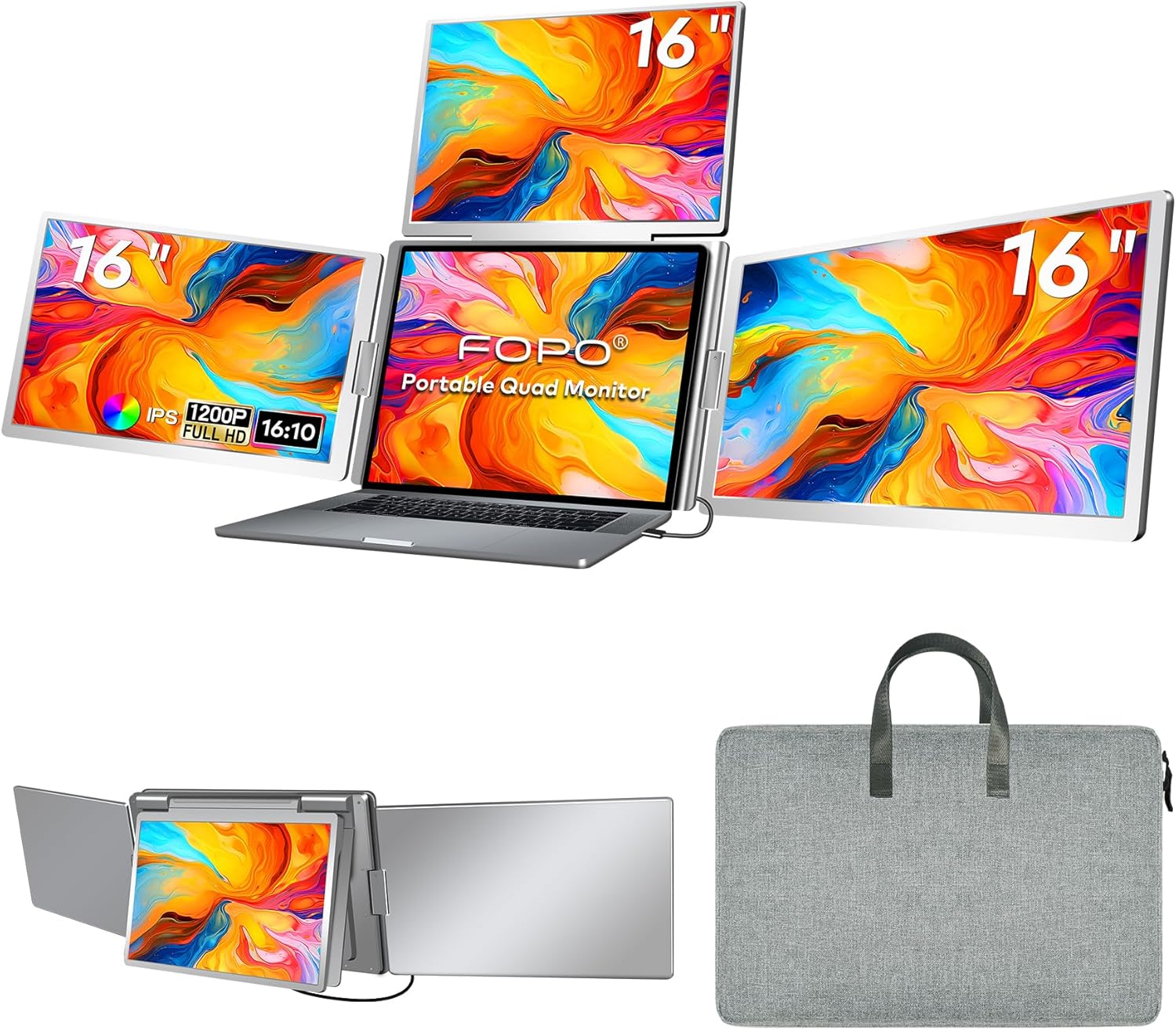
S7 — 14”
Higher res, wider aspect. Narrower range.
S7 — 14”
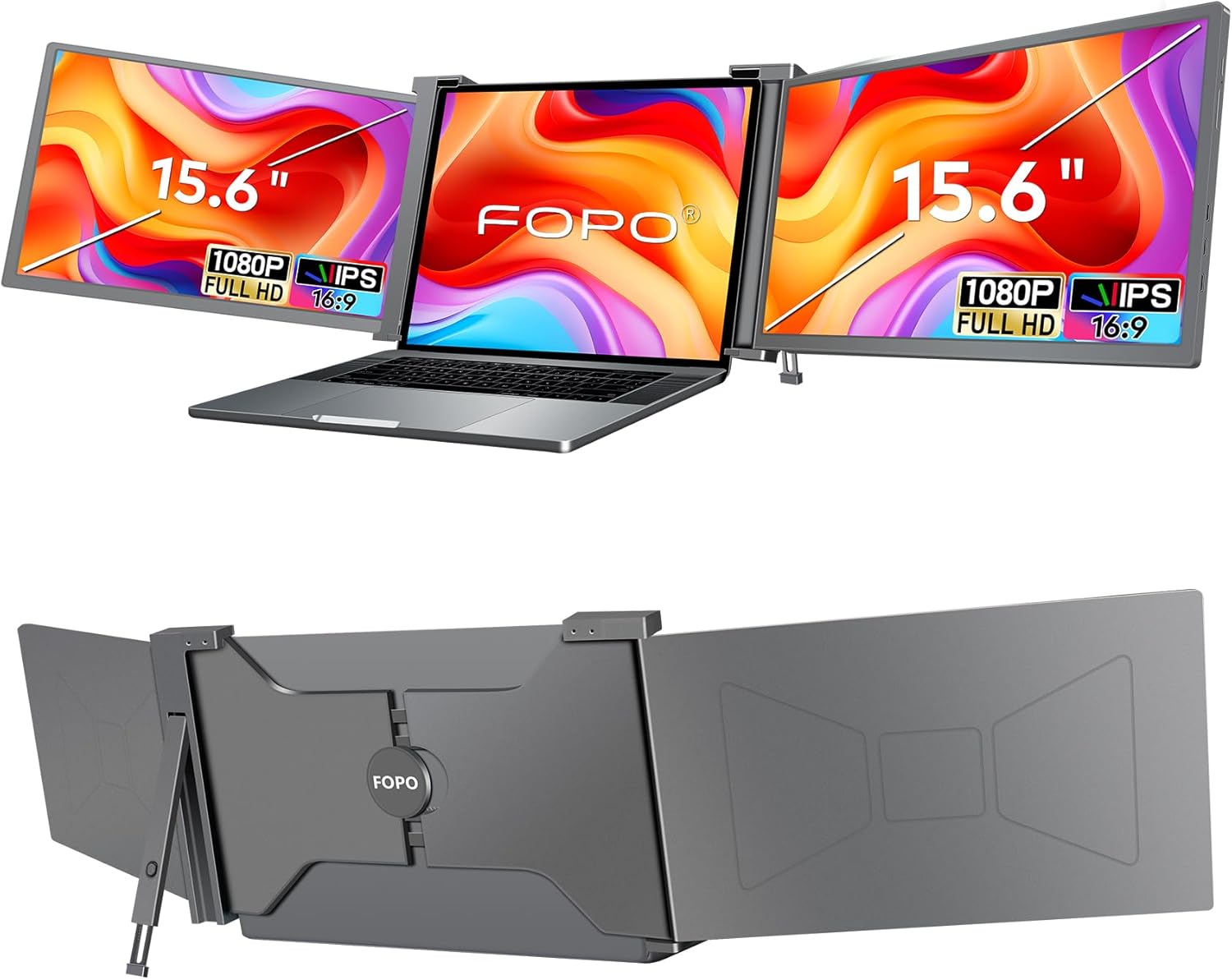
Portable Triple
No 360° flip. Lower price.
Portable Triple
~141 PPI. Comfortable for docs, spreadsheets, code at arm’s length. Sub-10pt fonts blur. 7.5/10
72% NTSC. Vibrant for productivity. Not calibrated for design. 7/10
Est. 200–250 nits. Adequate indoors. Fails in bright rooms. 6.5/10
Plug-and-play Windows. Under 60s to triple display. No drivers. 9/10
Kickstand essential. Without it: tipping. With it: solid. 7/10
~3.5 lbs in carry bag. 8–10 lbs total with laptop + charger. 7/10
360° left flip smooth. Auto-sensing orientation. Right: 205°. 8.5/10
Diagnostic complete. Overall assessment: 8.3/10. 8.3
App Dock
13.3” dual extender. Lighter, cheaper, smaller screens, no rotation. Portability wins go to Teamgee. Workspace expansion wins go to S10.
Depends on: Screen size vs. portability15.6” triple with alloy frame. More premium build. Narrower laptop range (13–17” vs 12–18.5”). No 360° flip. Build quality vs. rotation flexibility.
Depends on: Build vs. flexibilityA standalone portable monitor ($100–$200) gives dual-screen at half the price with zero hinge stress. If two screens suffice, this is the rational economic choice.
Depends on: Value vs. expansionA pair of desktop monitors + docking station delivers larger screens, better color, zero portability weight. S10’s advantage is exclusively mobility.
Depends on: Mobility vs. quality"Doesn’t fit my laptop"
Fix: Measure width × depth × thickness. Use Fit Interrogator above.
Verdict: Dealbreaker if mismatched.
"Won’t work with my MacBook"
Fix: None for base chips. Need Pro/Max.
Verdict: Dealbreaker for base M-chip.
"One screen: No Signal"
Fix: Connect 5V2A adapter. Verify DP Alt Mode. Use Mini HDMI fallback.
Verdict: Fixable.
"Laptop tips backward"
Fix: Deploy kickstand. Non-slip pad on smooth surfaces.
Verdict: Fixable but annoying.
"Too dim in bright rooms"
Fix: Reposition. Reduce ambient light. Or consider higher-nit portable monitor.
Verdict: Inherent limitation.
As an Amazon Associate, ScreenExtendersHub earns from qualifying purchases. Editorial decisions are independent. Full disclosure.
ScreenExtendersHub is a participant in the Amazon Services LLC Associates Program, an affiliate advertising program designed to provide a means for sites to earn advertising fees by advertising and linking to Amazon.com.