
Compatibility Desk
USB-C Port Symbols Explained: Will This Port Run a Monitor?
Separate connector shape, port symbols and documented video capability. A blank port is not a verdict.
Host limits, ports, cables and power. Establish the conditions before buying.
Published articles, with source-review labels preserved from the articles.
Separate connector shape, port symbols and documented video capability. A blank port is not a verdict.
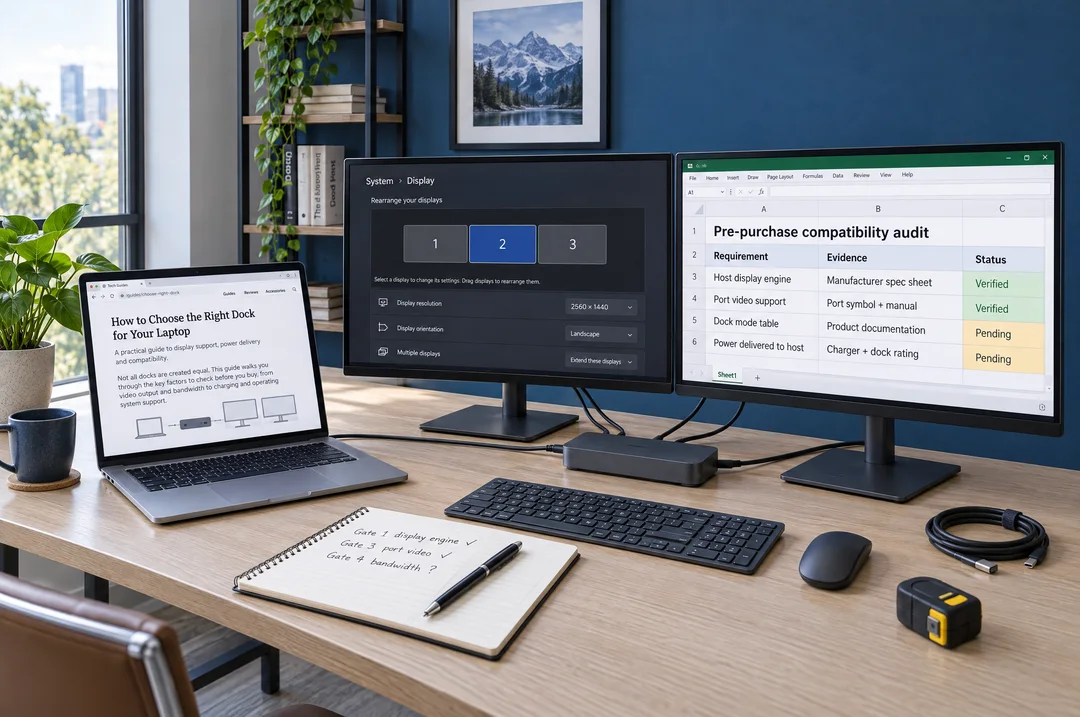
Check the display engine, laptop routing, video ports, bandwidth and expansion method before counting screens.
Find out whether your exact phone or tablet can send video, and whether it mirrors or extends the workspace.
Distinguish charger capacity, dock overhead and power delivered to the laptop. Read the complete power path.
The Reviews Intelligence Hub applies the evidence to individual products. Explore portable monitors, laptop screen extenders, docking stations and desktop screen extenders once the system requirements are clear.