
Workspace Architecture
Two Computers, One Desk: KVM & Dock Blueprint
Compare KVMs, dual-host docks, monitor KVMs and separate switches by the domains each architecture actually switches.
Plan display paths, shared computers, physical support and usable desk space.
Published articles, with source-review labels preserved from the articles.
Compare KVMs, dual-host docks, monitor KVMs and separate switches by the domains each architecture actually switches.
Measure usable desk space, stand footprints and viewing distance before committing to another screen.
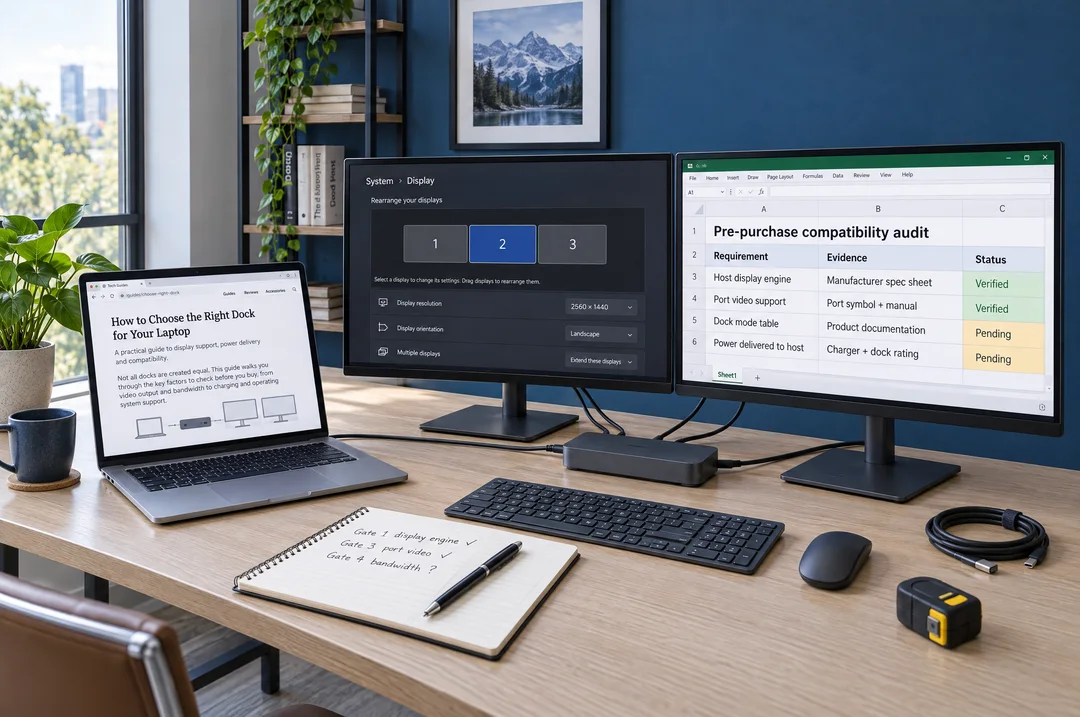
Verify independent display paths, simultaneous display modes and delivered power as three separate budgets.
Trace hinge opening moment, lateral twist and whole-machine stability. Weight alone cannot establish safety.
The Reviews Intelligence Hub applies the evidence to individual products. Explore portable monitors, laptop screen extenders, docking stations and desktop screen extenders once the system requirements are clear.