
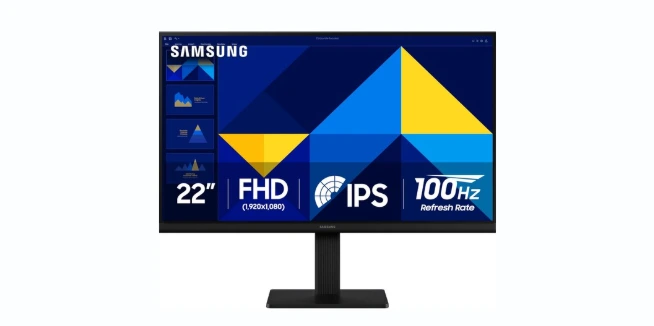
SAMSUNG 22″ (S30GD) Essential Monitor Review
Dive into our review of the SAMSUNG 22″ Essential Monitor. With vivid colors, a 100Hz refresh rate, and ergonomic design, it’s gaming and eye-friendly bliss.
Dive into our review of the SAMSUNG 22″ Essential Monitor. With vivid colors, a 100Hz refresh rate, and ergonomic design, it’s gaming and eye-friendly bliss.
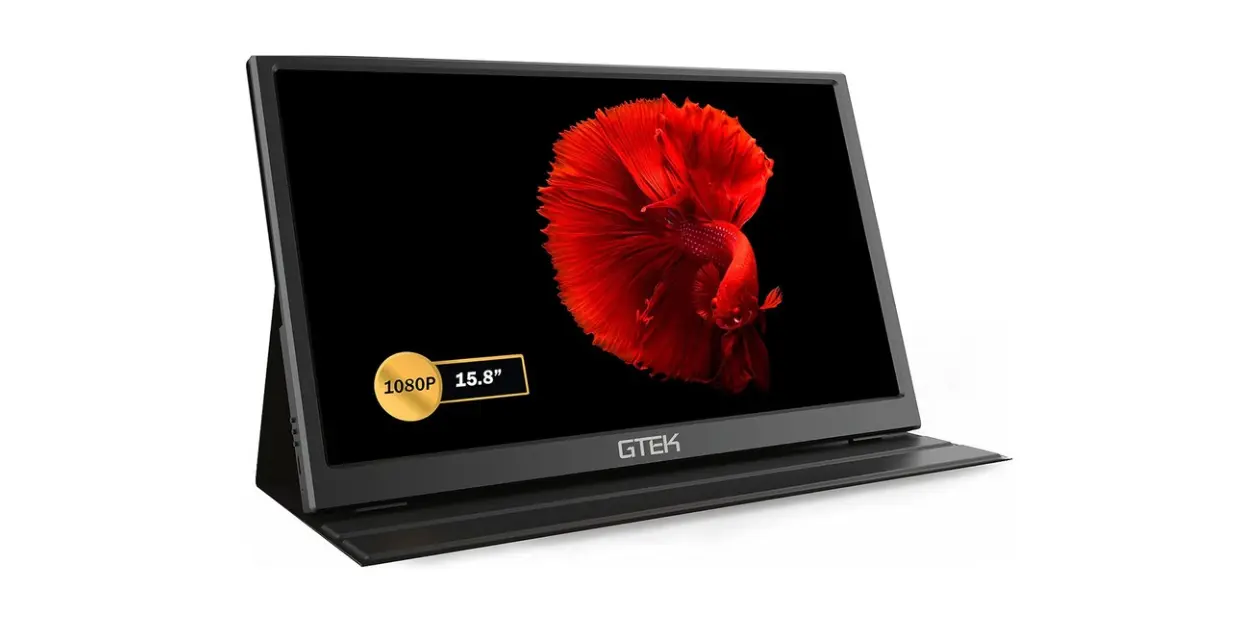
Discover a secret you never knew you needed with the GTek Portable Monitor 15.8 Inch. Dive into our review, filled with humor and tech insights.
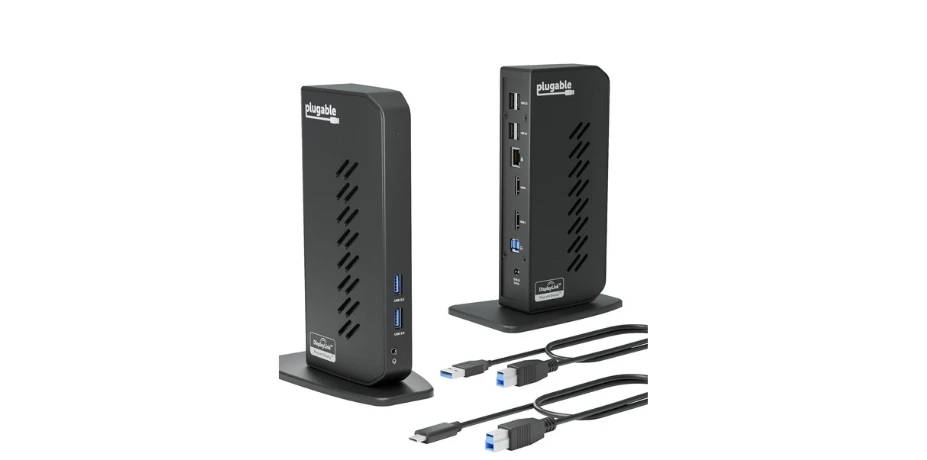
Discover the Plugable USB 3.0 and USB-C Dock, your clutter-busting, multi-monitor hero. Enjoy seamless connections and productivity with this versatile solution.
Skip to content PD ATLAS 01 The number lies 02 The handshake 03 Spec-sheet anatomy 04 SPR vs EPR 05 Power budget 06 When wattage is wrong 07 Two teardowns 08 FAQ SEH Editorial / Foundation 02 Power Delivery (PD) Wattage
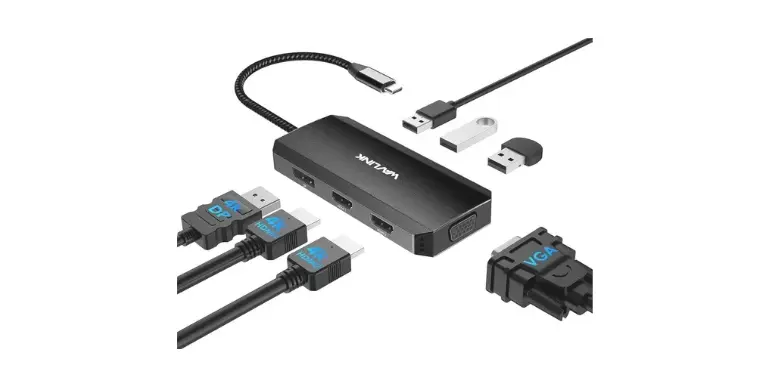
Explore the WAVLINK USB-C Docking Station in our latest review. Does it tame tech chaos or add to it? Discover if it earns a permanent spot on your desk!
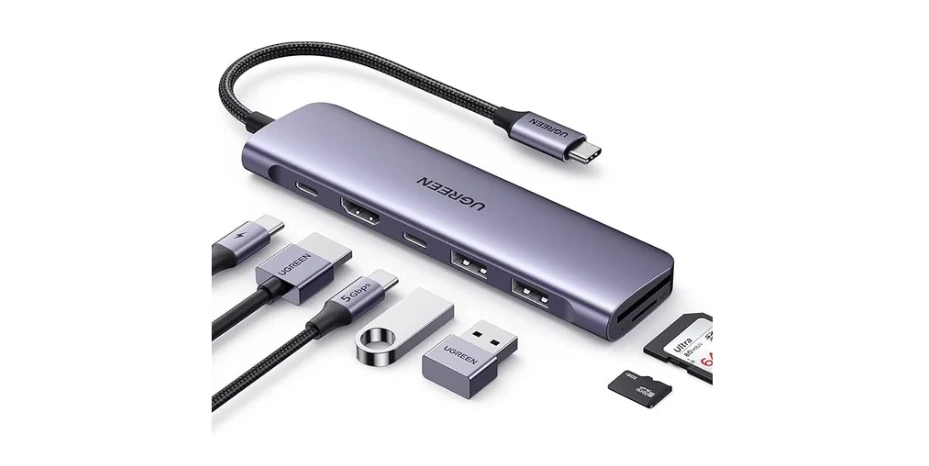
Simplify your tech life with the UGREEN Revodok 1071 USB-C Hub. This sleek 7-in-1 gadget offers 4K HDMI, 100W charging, and fast data transfer. Stay connected!
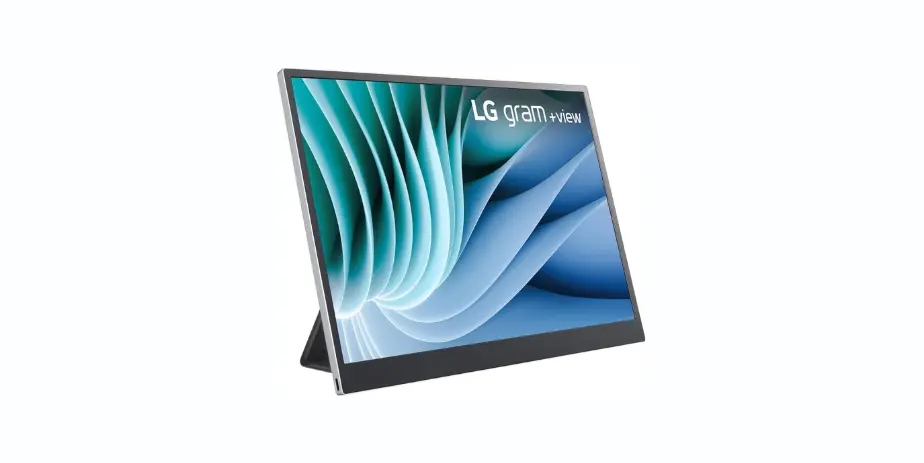
Discover the LG Gram +View 16MR70.ASDA1, a 16″ portable monitor that turns coffee shop dread into dual-display delight. Vibrant, lightweight, and easy to tote!
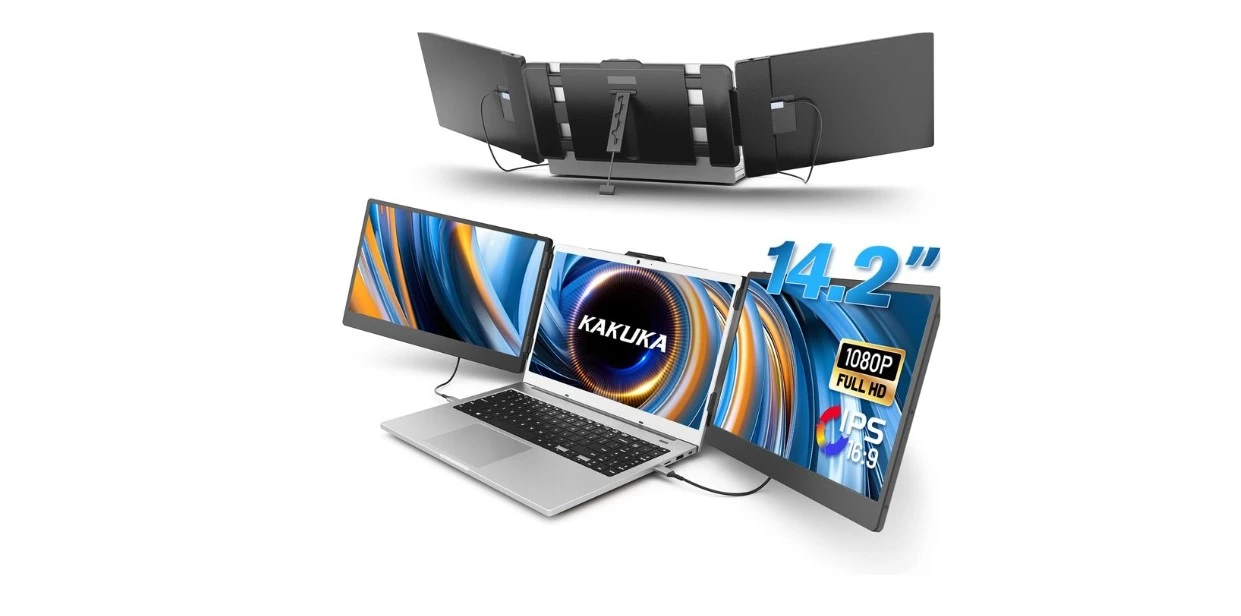
Discover how the Kakuka Laptop Screen Extender transformed my chaotic screen life. Dive into vivid colors, eye-friendly tech, and a productivity boost you won’t believe!
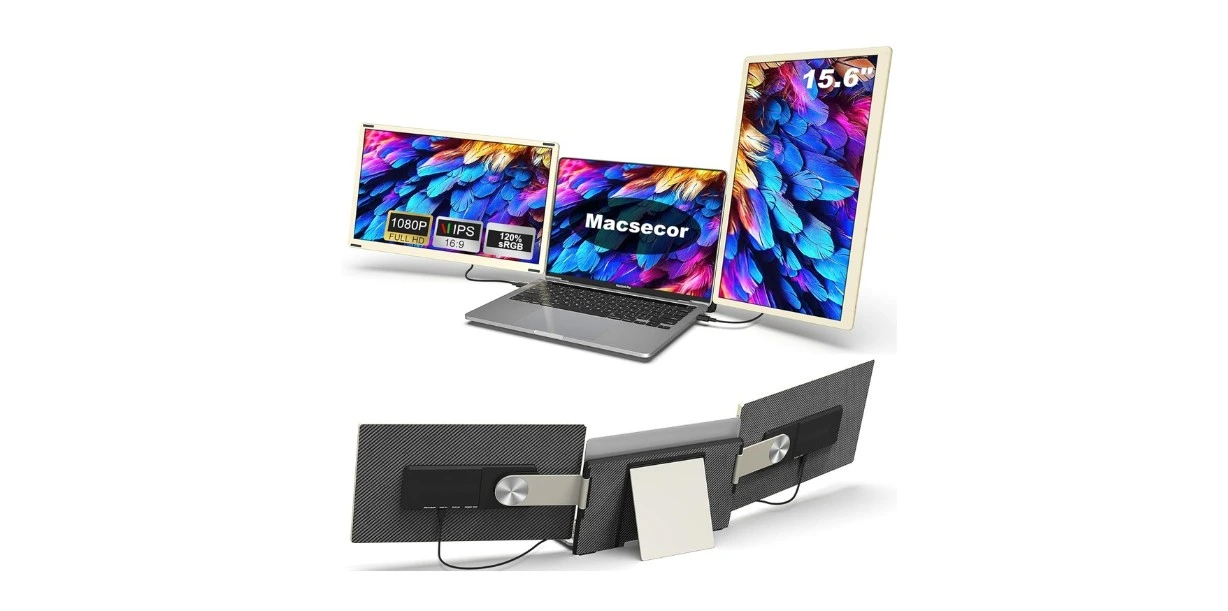
Discover the magic of multitasking with the 15.6″ FHD Triple Monitor review. Transform your laptop and boost productivity, all while sipping coffee at your favorite cafe.
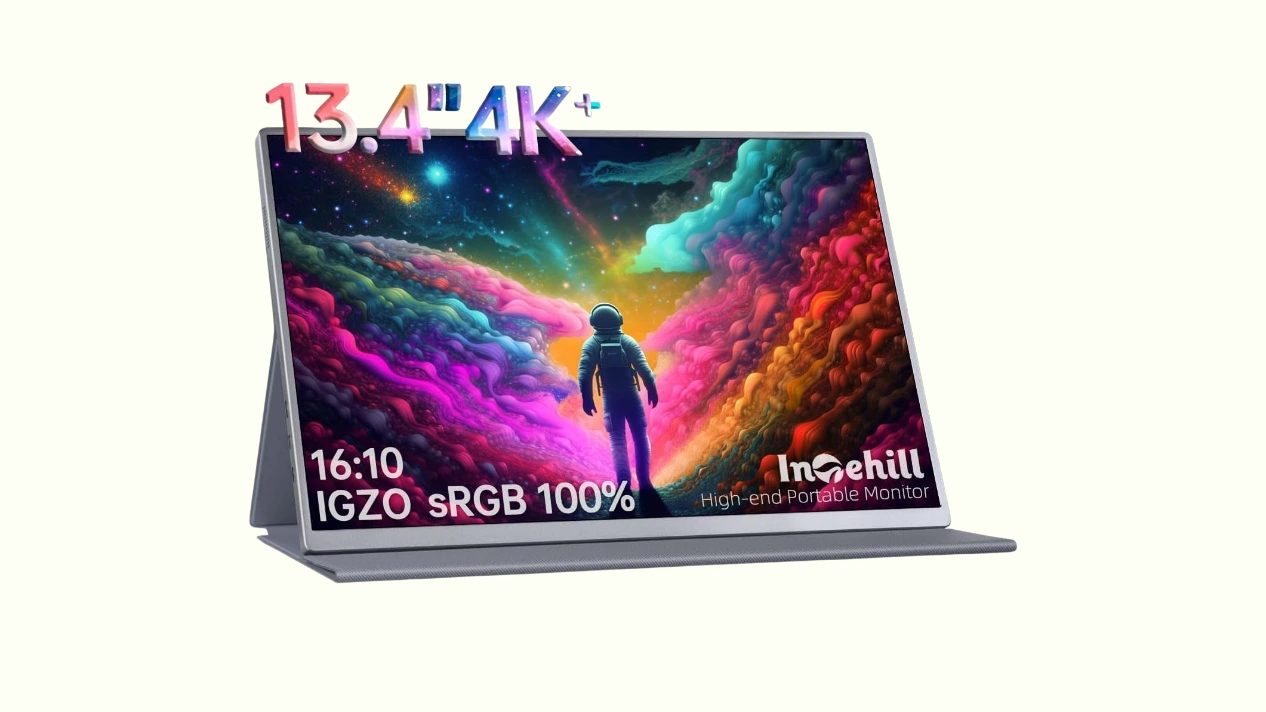
Discover the Intehill 4K Portable Monitor U13NA—your screen’s slick wingman. Perfect for cramped laptops, it’s ultra-thin, ultra-light, and delightfully indispensable.